AI for hair salons and beauty clinics, step by step.
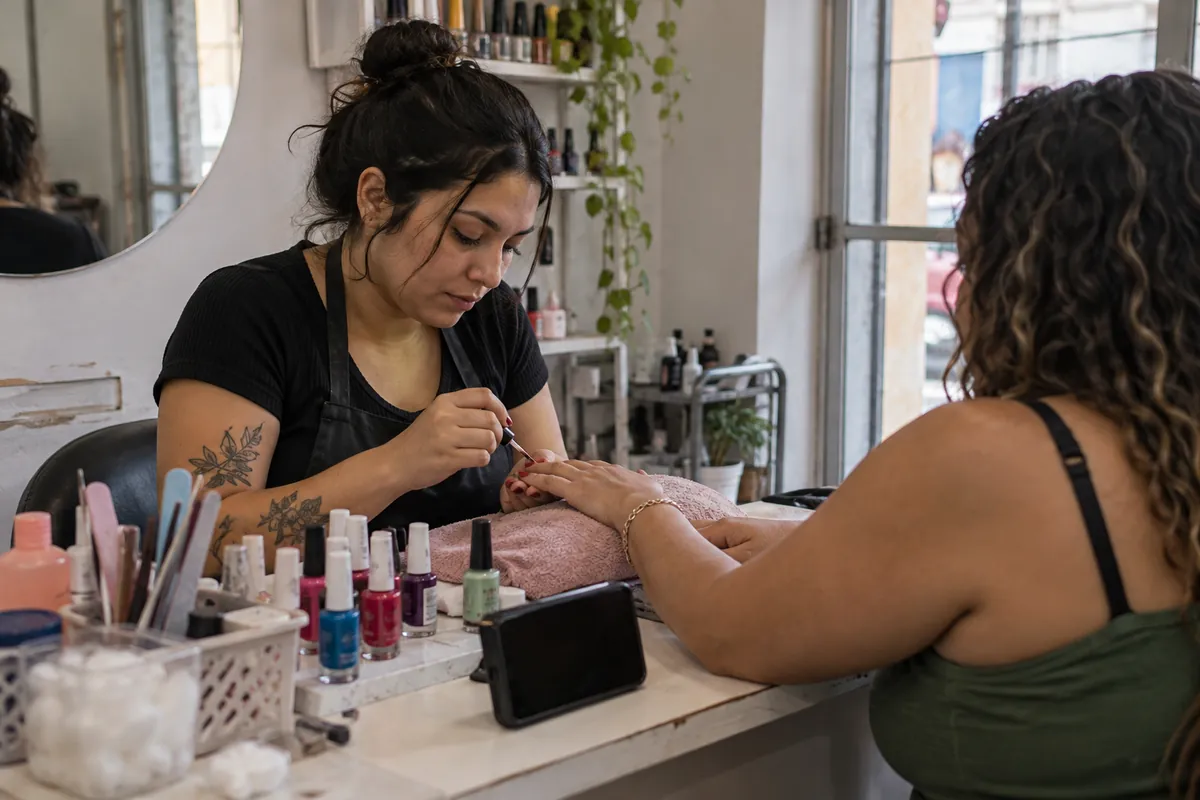
What does AI do in a salon or beauty clinic?
In a salon, the phone and WhatsApp ring while the professional is working on a client. These are the tasks AI can take over:
- Booking. The client asks on WhatsApp and gets the professional’s open times, already allowing for the length of the service. A cut, a blow-dry and a color do not take the same time.
- Reminding the day before. A message asks the client to confirm or reschedule. A freed slot goes back on the calendar.
- Return reminders. When it is time to touch up the roots or repeat a session, at the interval the professional recommended, the client gets a reminder.
- Answering price and length. The service list, with a note that some prices depend on an assessment.
- Adding up commissions. At the end of the month, the spreadsheet shows how many clients each professional served and how much they earn.
- Asking for a review. The Google link a few hours after the appointment.
The conversation with the client about what suits her stays with the professional. AI handles the calendar and the messages.

Start today, for free: WhatsApp Business
The WhatsApp Business app is free. It replies with fixed texts that you write once, and that already covers some questions. Everything is in the Tools tab.
- Build the service catalog. In Catalog, add each service with a photo, the price or starting price, and the length in the description.
- Turn on the greeting. In Greeting message, write a short text with the catalog link and how to book. According to WhatsApp’s help center, it goes to people who write for the first time or after 14 days without a conversation.
- Turn on the away message. In Away message, choose Outside of business hours and say when the salon will reply again.
- Create quick replies. Save the address, payment methods, the lateness and cancellation policy and the aftercare instructions the professional wrote for each procedure. You can save up to 50. In a chat, type / and pick one.
- Use labels. One label per professional shows who needs to answer each chat.
Sample texts are in automatic messages in WhatsApp Business.
Start today, for free: booking by service and a commission spreadsheet
Booking by service in Google Calendar
Google Calendar appointment schedules work with a personal Google account and suit a small salon or a professional who works alone.
- On a computer, open Google Calendar, click Create and Appointment schedule. Google says you cannot create one in the phone app.
- Create one schedule for each service, with the right length. For example, Haircut at 45 minutes and Color at 2 hours.
- In Buffer time, leave a few minutes to clean the station between clients.
- In the booking form, ask for name, email and phone number. Nothing more.
- Turn on email reminders. Google allows up to five.
- Put each service’s link in a WhatsApp quick reply.
Commissions in Google Sheets

- Create a spreadsheet with the columns Date, Client, Service, Professional and Amount.
- Enter each appointment at the end of the day.
- On another tab, use the SUMIF function to add up each professional’s amount. For example, =SUMIF(D:D,"Ana",E:E) adds up everything Ana did.
- Multiply by the percentage agreed with each professional.
Do the math
Monthly commission statement
The same math as the commission sheet, to check before paying.
Type the commission you agreed on to see the split.
- Total for the month—
The professional’s share—
- The salon’s share—
Prices and quantities filled in are examples. The commission is whatever you agreed on.
With the spreadsheet up to date, return reminders get easy too, because you know when each client had each service. The article salon software shows the next step, with booking per professional and billing.
What needs care?
- Before-and-after photos. A client’s image is personal data under the LGPD (Law 13.709/2018). Ask for written permission before posting and respect anyone who says no.
- Health data in aesthetics. Allergies, pregnancy and medication, asked before a procedure, are health data, which the law treats as sensitive data (art. 5, II). Keep that form away from open WhatsApp chats and accessible only to the person providing the service.
- Recommending procedures. AI shares price and length. The recommendation for each person is made by the professional, during the assessment.
- Promotional messages. A reminder of a booked appointment is part of the service. Promotions go only to people who agreed to receive them, with an easy way to leave the list.
- Promised results. Do not promise procedure results in messages sent by AI. AI helps with the calendar. It does not guarantee a full salon.
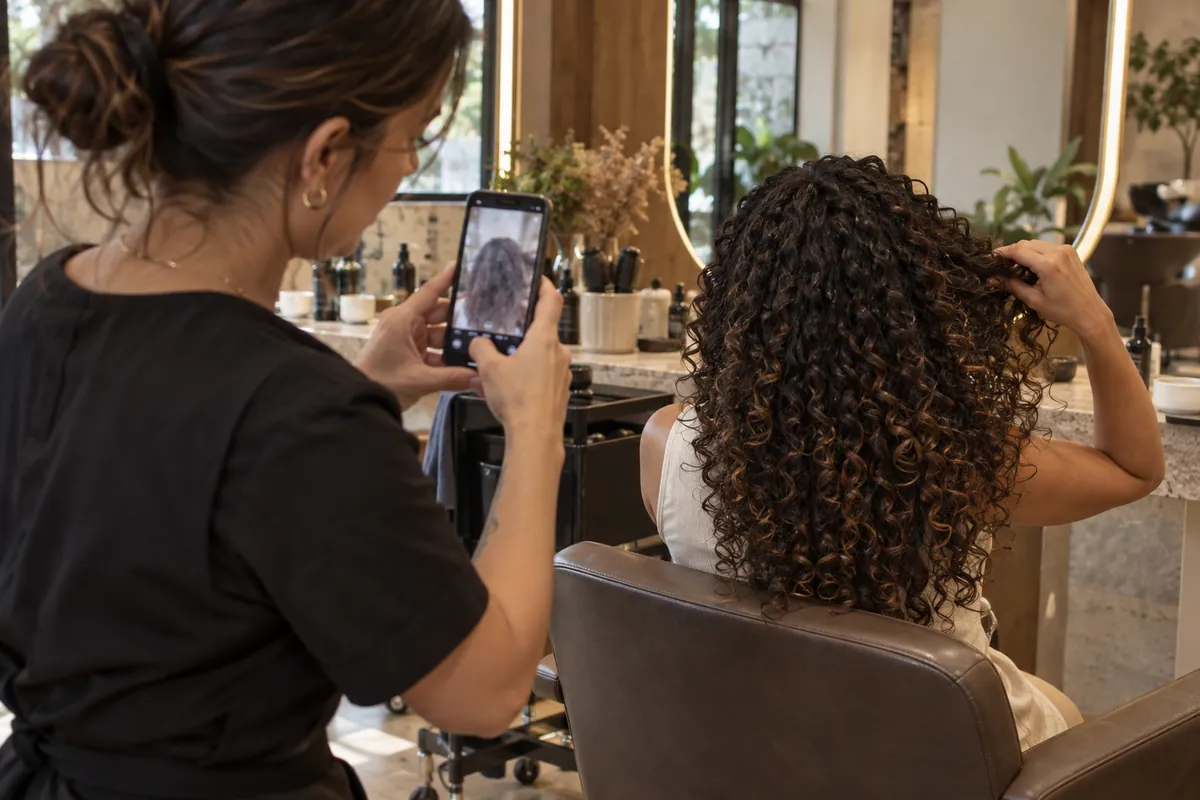
More on this in LGPD on WhatsApp.
When is it worth going beyond the free tools?
Free tools help, but they do not talk to each other. The calendar does not know what was agreed on WhatsApp, and the spreadsheet depends on someone entering everything. Some signs show the salon needs more:
- the front desk spends the day answering "do you have anything tomorrow";
- clients miss appointments and the slot stays empty;
- the commission count at the end of the month causes arguments;
- nobody reminds clients to come back.
In these cases, AI connected to the official WhatsApp API checks each professional’s calendar, books, confirms and sends return reminders on its own. Meta charges for the API per delivered message. See what we do for services and for clinics and aesthetics.
To see what comes first in your salon, take the free checkup. It takes three minutes and points to the three tasks where AI helps first.
Good to know
Questions we often get.
Can each professional have their own calendar?
Yes. At first, each professional can have their own appointment schedule in Google Calendar. When the team grows, salon software brings all the calendars together.
Can I post a client’s photo on the salon’s Instagram?
Only with her permission. Ask in writing, keep the answer and delete the photo if she changes her mind.
Can AI quote the price of a hair color?
It can share the starting price the salon entered and explain that the final price depends on the professional’s assessment.
Is a return reminder an advertising message?
It depends on the text. A notice tied to a service the client had is different from a promotion. When in doubt, ask during the appointment whether she wants these reminders.
Keep reading
Articles on the same topic.
- Getting started with AI ·
AI in your practice: what to do and what to avoid.
AI handles repeated front-desk tasks. Diagnosis and treatment stay with the professional.
Read the article - Getting started with AI ·
AI in a neighborhood store: what you can do now.
Prices and stock on WhatsApp, a catalog, supplier invoices and reviews. Start with the free tools.
Read the article - Getting started with AI ·
How to use AI in a restaurant: a practical guide to get started.
Bookings, menu questions on WhatsApp, supplier invoices and reviews. What you can do today, for free.
Read the article
Start with the free checkup.
Six questions and three minutes, with your Google account. You get a written list of the tasks that can be automated and decide what comes next.